Maintenance
How to access and print your MMR
Generate, review, and download your Monthly Maintenance Report (MMR) as a PDF from the HaldiTech dashboard.
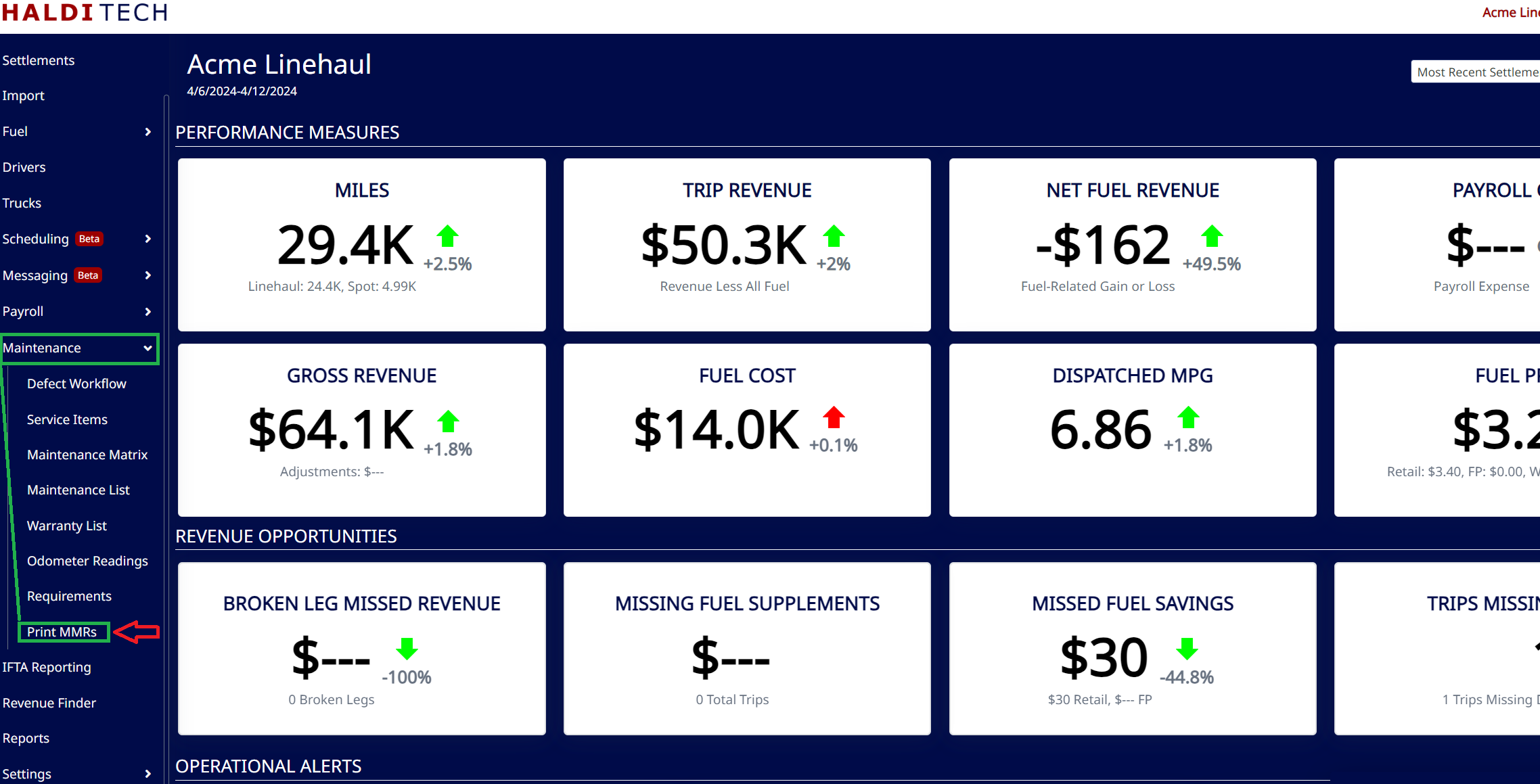
Accessing MMRs
Go to Maintenance > MMR Reporting. It's a four-step wizard.
Step 1. Select the date range
Choose a Date Range, or use the Quick Pick dropdown (Last Month, last quarter, last year, etc.), then click Run Analysis.
Step 2. Select the trucks to include
Once the analysis runs, check the trucks you want to include in the MMR.
Step 3. Add your signature
Add your signature and save it.
Step 4. Download
Download the MMRs with or without attachments. The PDF downloads for you to review and submit.
Need help?
Email support@halditech.com or call us at (470) 594-2534.