Mobile & Driver App
How to add notes in the mobile app
How a driver adds a trip note in the mobile HaldiTech app.
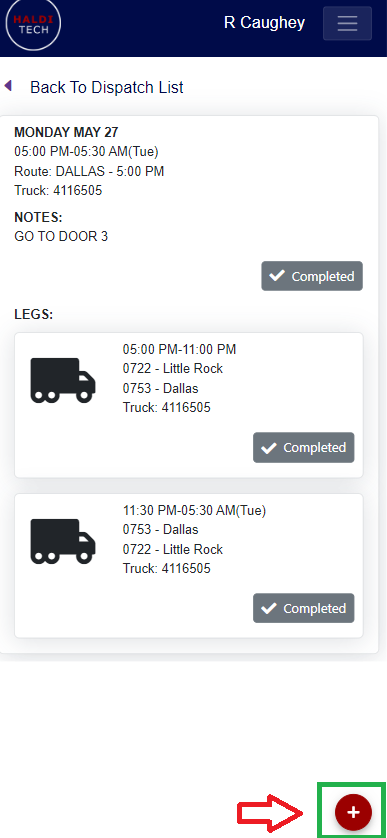
Step 1. Open the add menu.
You may add trip notes in your mobile HaldiTech app by clicking on the red plus icon (shown in the screenshot below).
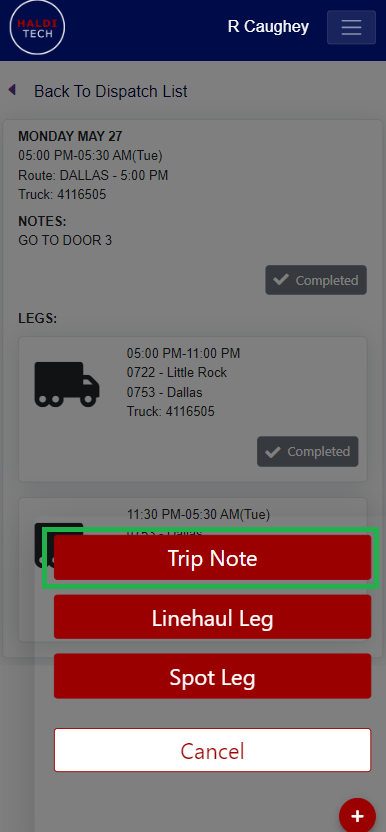
Step 2. Choose Trip Note.
Click Trip Note (shown in the screenshot below).
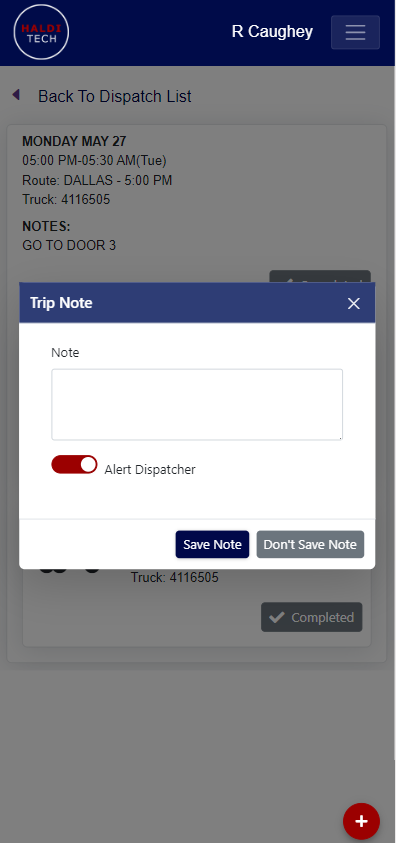
Step 3. Save the note.
Add your note in the box below and click "Save Note".
Need help?
Email support@halditech.com or call us at (470) 594-2534.