Maintenance
How to change maintenance intervals
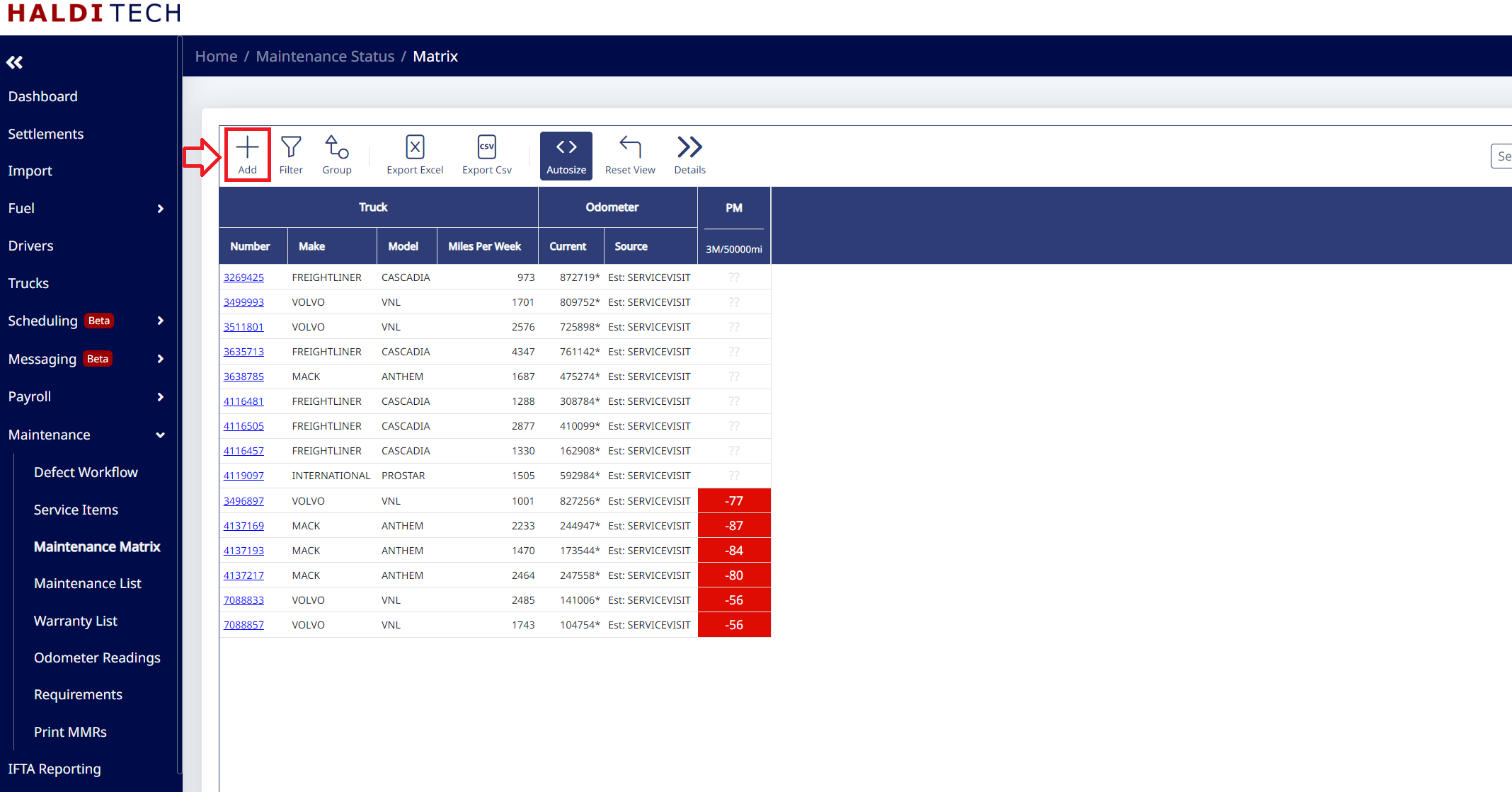
Change a maintenance interval by editing its entry in the Maintenance Matrix (Requirements).
Step 1. Open the Maintenance Matrix
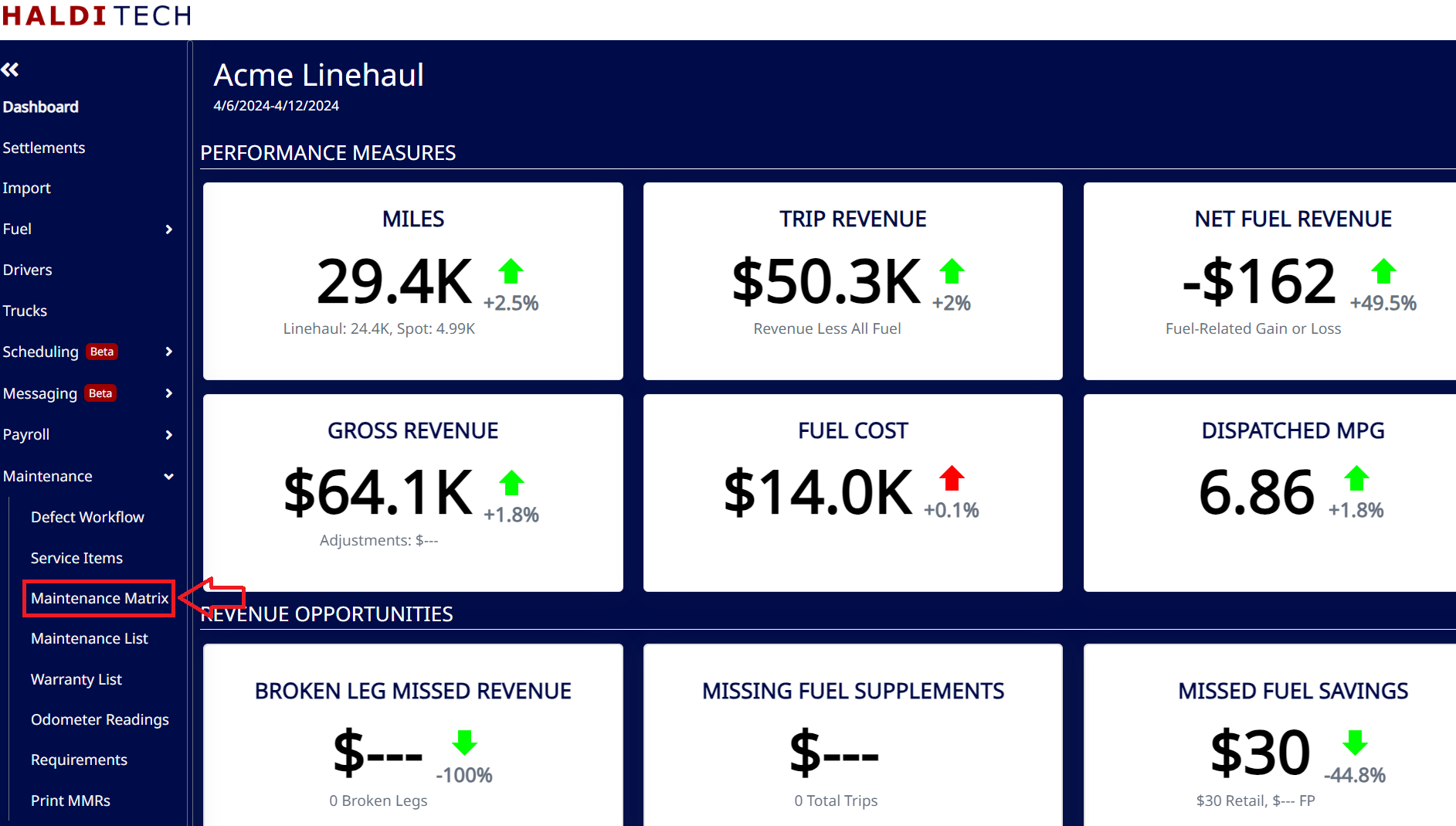
Go to Maintenance > Requirements (the Maintenance Matrix).
Step 2. Edit the interval
Double-click the requirement you want to change (or select it and click Edit). Update the Every interval — and Based On, if you're switching between miles and time.
Step 3. Save
Click Save.
Need help?
Email support@halditech.com or call us at (470) 594-2534.