Mobile & Driver App
How to confirm trips using the mobile app
Confirm a driver's trips from the dispatch screen in the mobile app.
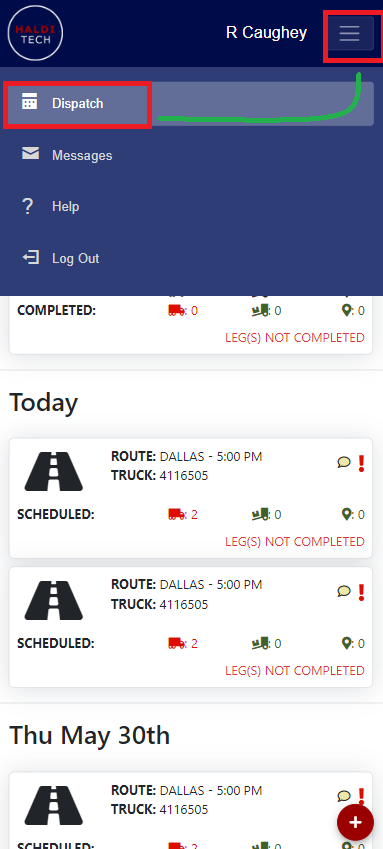
- On the top right of your mobile app, click the box in the top right corner next to the driver name and select Dispatch (shown below).
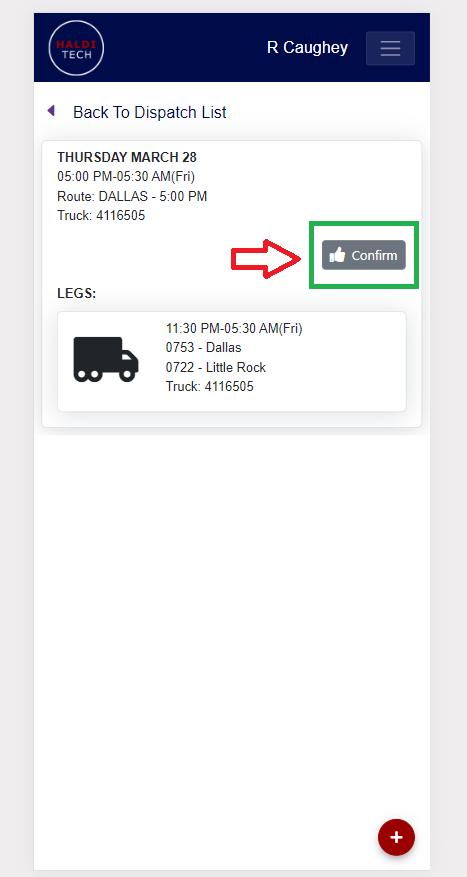
- Scroll down to locate the route you want to confirm, then click the Confirm box (shown below).
Need help?
Email support@halditech.com or call us at (470) 594-2534.