Maintenance
How to create a service ticket in Maintenance
Record a maintenance service on a truck by adding a service item under Maintenance.
Creating a Service Record
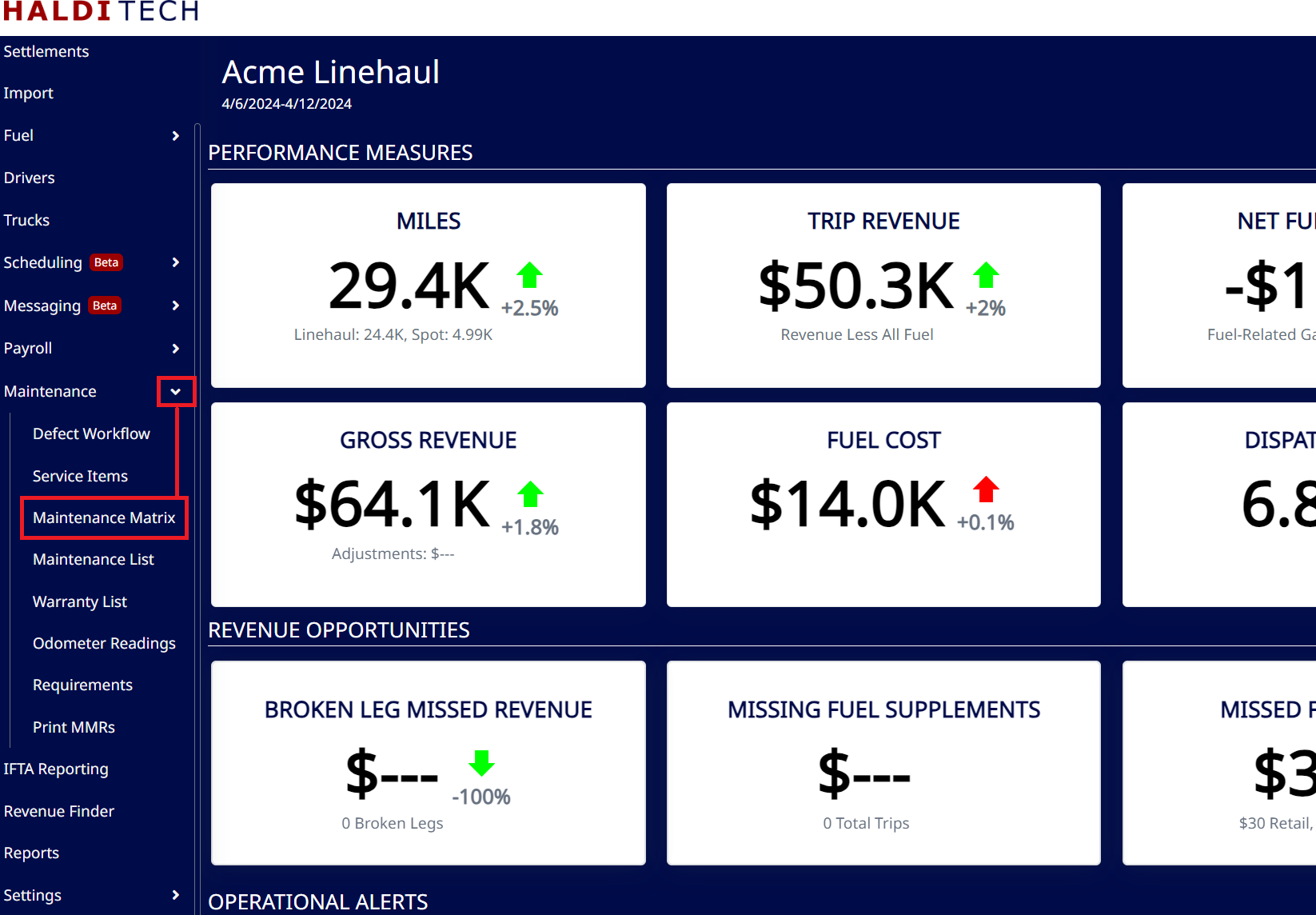
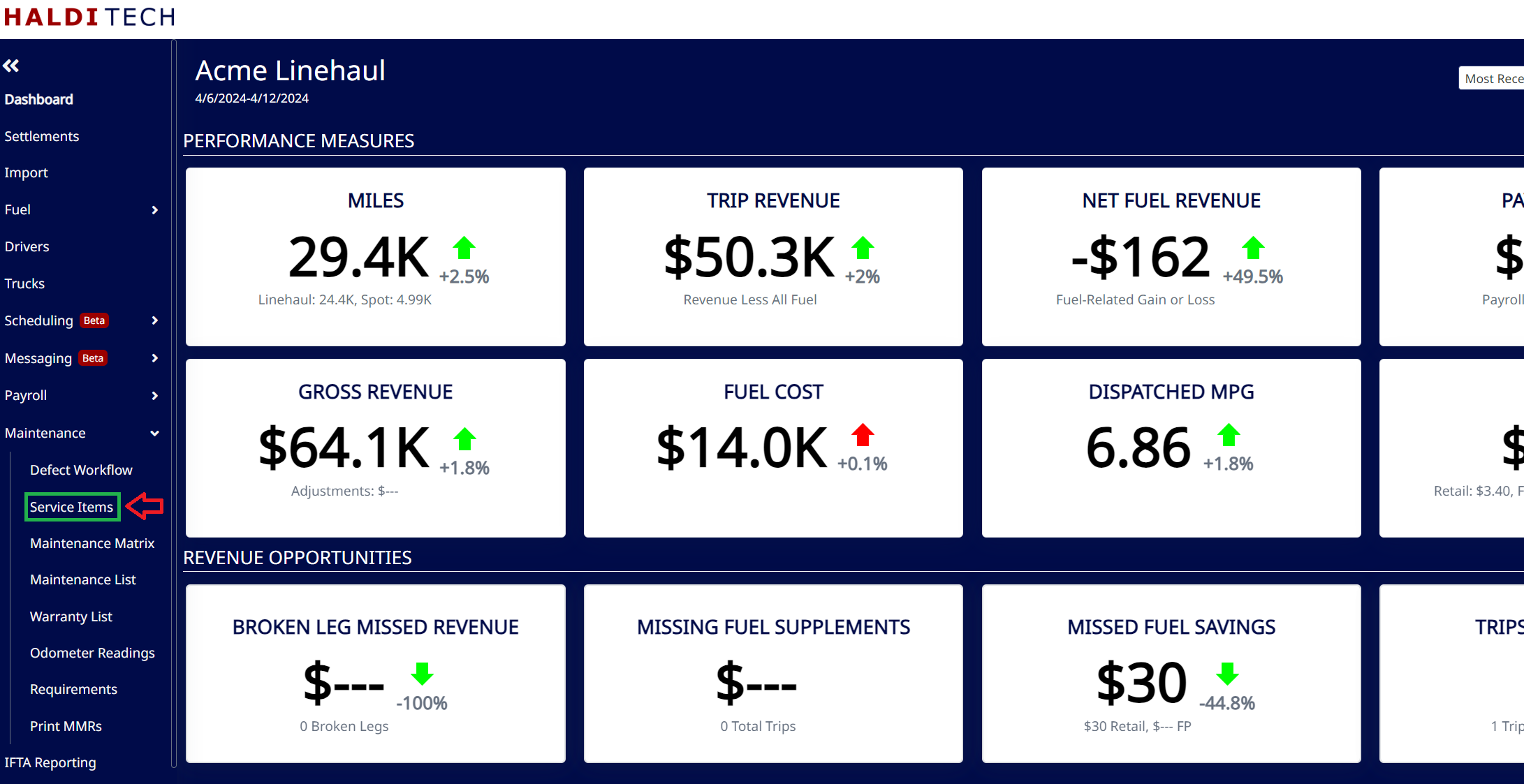
In your HaldiTech software, go to Maintenance > Service Items.
Click the Add button on the toolbar. On the form, fill out the service details — the Truck, the service dates, the Service and Service Type, odometer, shop, invoice, and costs — then click Save.
Note: FedEx requires a description for the service — use the Other Description or Notes (Included On MMR) field.
Need help?
Email support@halditech.com or call us at (470) 594-2534.