Settlements
How to Delete a Settlement
Delete a single settlement from the FedEx Settlements screen.
To delete a settlement, go to Settlements > FedEx Settlements and click the row for the settlement you want to delete to select it. Then click Delete on the toolbar — the system will ask you to confirm.
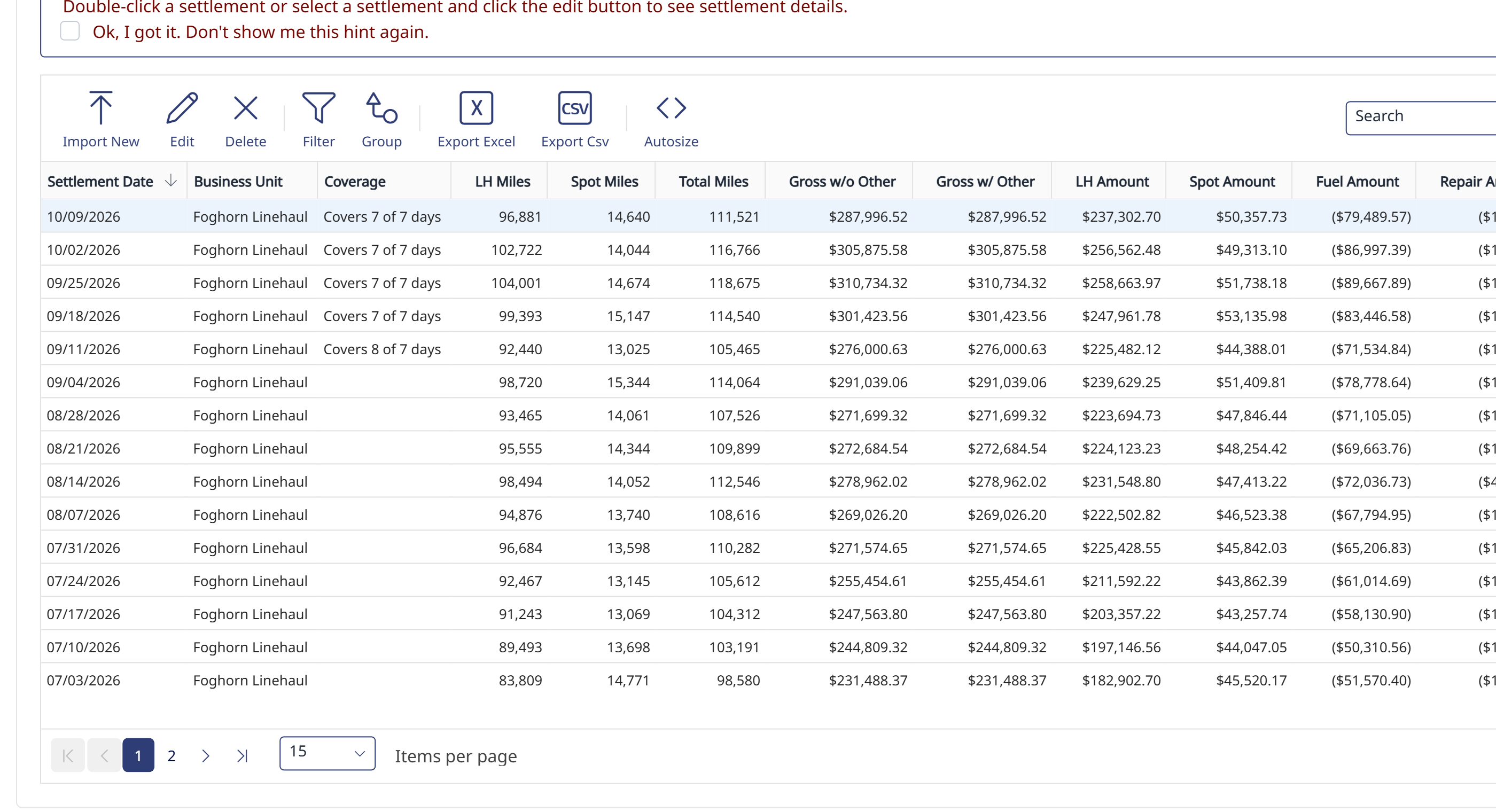
Note: Only one settlement can be deleted at a time.
Need help?
Email support@halditech.com or call us at (470) 594-2534.