Settlements
How to Import Settlements
How to download a settlement CSV from MyGroundBiz and import it into your HaldiTech account.
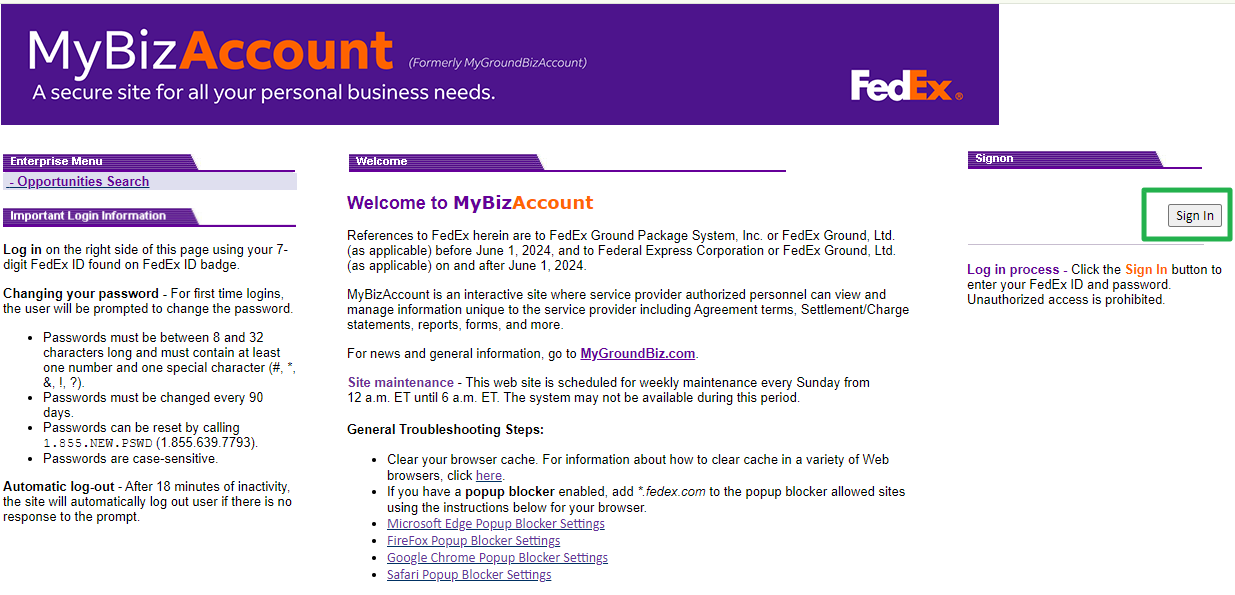
Step 1. Sign in to MyGroundBiz.
First, go to your MyGroundBiz Portal and sign in.
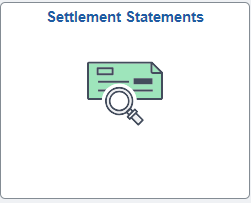
Step 2. Open Settlement Statements.
Click on Settlement Statements.
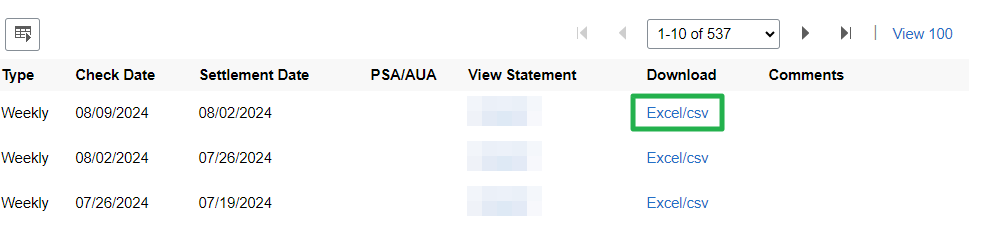
Step 3. Download the settlement as a CSV.
Find the settlement you want to work on. Download it as a CSV file.
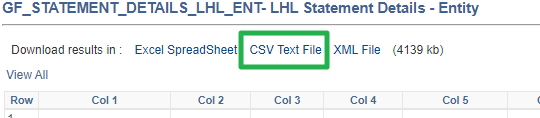
Then click "CSV Text File" to download.
Step 4. Start the import in HaldiTech.
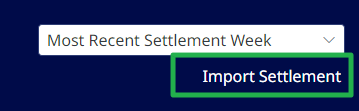
Sign in to HaldiTech. In the left menu, click Settlements, then FedEx Settlements. On the settlements toolbar, click Import New.
Important: If you manage more than one contract, confirm the correct company is selected in the account menu at the top right before you import.
Step 5. Choose the CSV file.
Select the settlement CSV file you downloaded from MyGroundBiz. HaldiTech imports it and adds the settlement to your list.
Need help?
Email support@halditech.com or call us at (470) 594-2534.