Mobile & Driver App
How to message your dispatcher
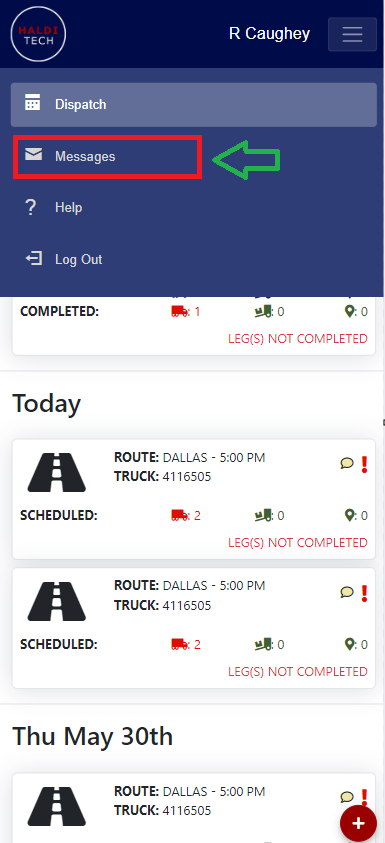
Send a message to your dispatcher from the mobile app.
In the mobile app, on the Dispatch screen, tap the red + (Actions) button in the bottom-right corner and choose Note To Dispatch.
Enter a Subject and your Message, then send it. You can see your past messages from the Message List link at the top.
Need help?
Email support@halditech.com or call us at (470) 594-2534.