Trucks & Locations
How To Rename Butt Head Locations
Rename Butt Head / Bump linehaul terminals by editing their AVR entries under Linehaul Terminals.
To rename the Butt Heads / Bumps, go to Settings > Linehaul Terminals and find that AVR number in the list (the system auto-adds it the first time it's seen on a settlement). Use the Search box to narrow the list.
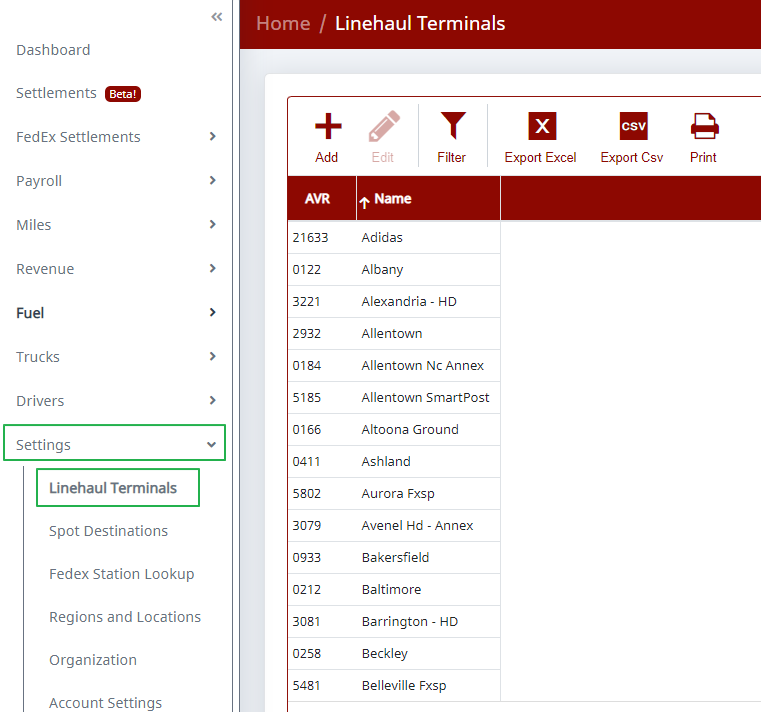
Double-click that row to edit it directly in the grid, enter the Name as you'd like it displayed, and save your change.
Note: We haven't been able to get a list of Butt Head locations from FedEx, so we're not able to pre-populate them in the system.
Need help?
Email support@halditech.com or call us at (470) 594-2534.