Mobile & Driver App
Mobile App Integration For Driver
How to register a driver for the mobile app and how the driver creates their login and password.
Register your driver
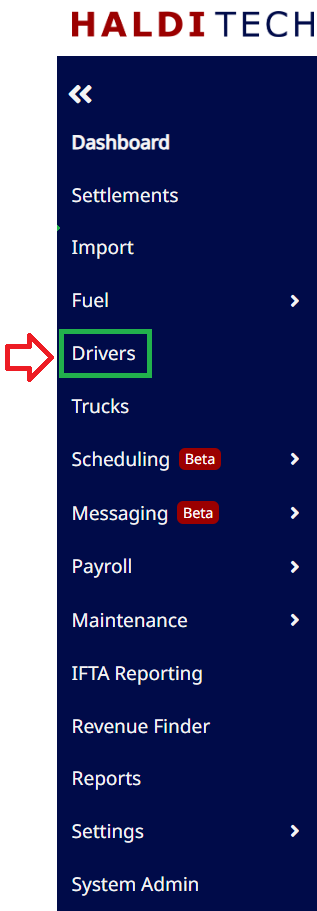
In HaldiTech, go to Drivers in the left menu. Make sure the driver has an email address and phone number on their record, then right-click the driver and choose Register For App.
Create your login and password
The driver receives an email with their username and a link to create a password. After opening the link, they click Send Verification Code, enter the code, and set their password. They can then sign in to the mobile app.
Need help?
Email support@halditech.com or call us at (470) 594-2534.