Requirements + Maintenance Matrix
Use the Requirements tab to build preventative-maintenance services that populate the Maintenance Matrix heat map.
The Requirements tab (under Maintenance) is where you build the preventative-maintenance services that populate the Maintenance Matrix. You can create any requirement you need — DoT inspections, PMs, oil changes, overheads, tires, and so on.
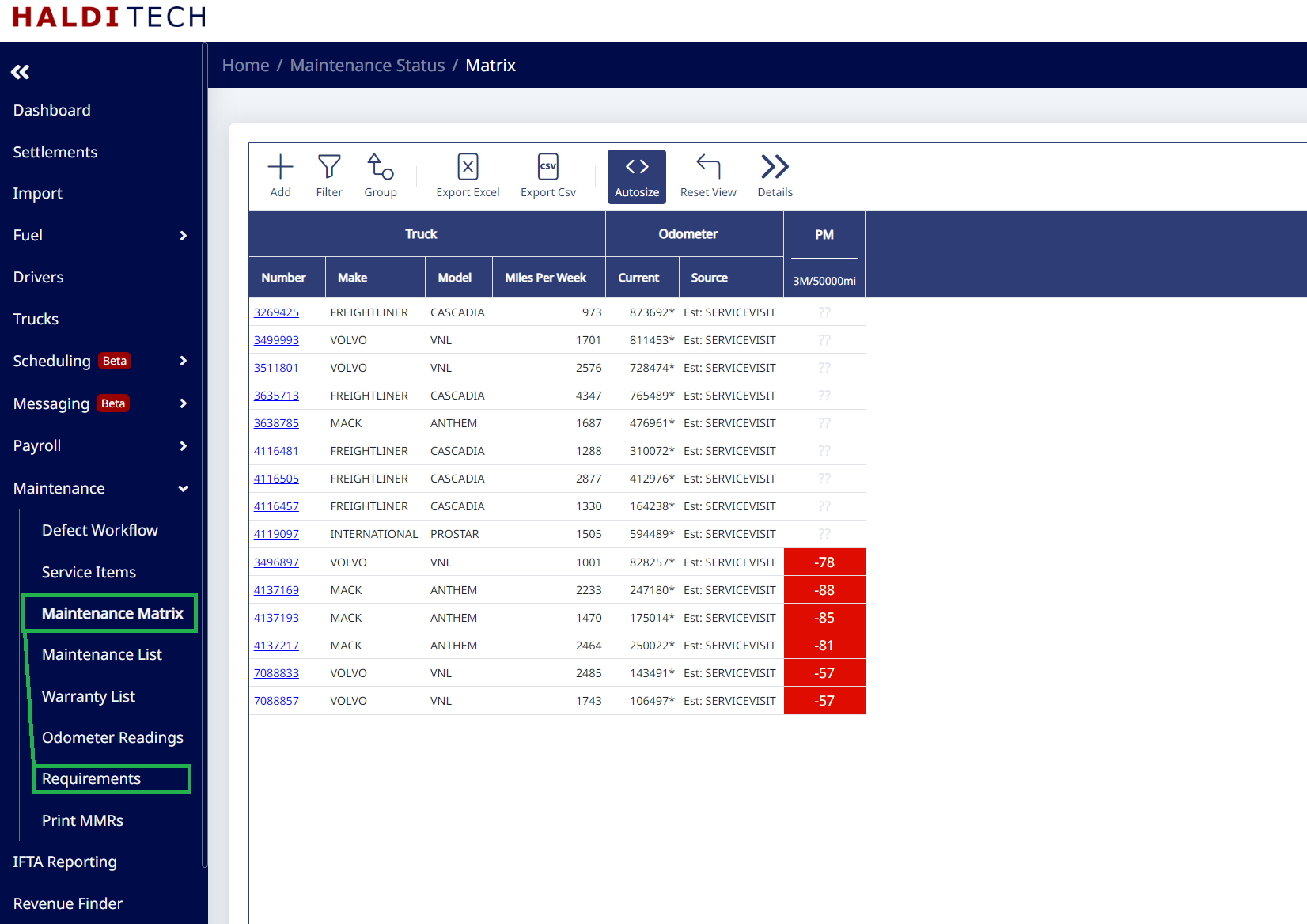
Adding a service to the Matrix
In Requirements, click Add. Choose an existing Service or click + Add New Service and give it a Short Name. Set Based On (miles, time, or both), the Every interval, which trucks it Applies To, and optional warning/alert emails, then click Save.
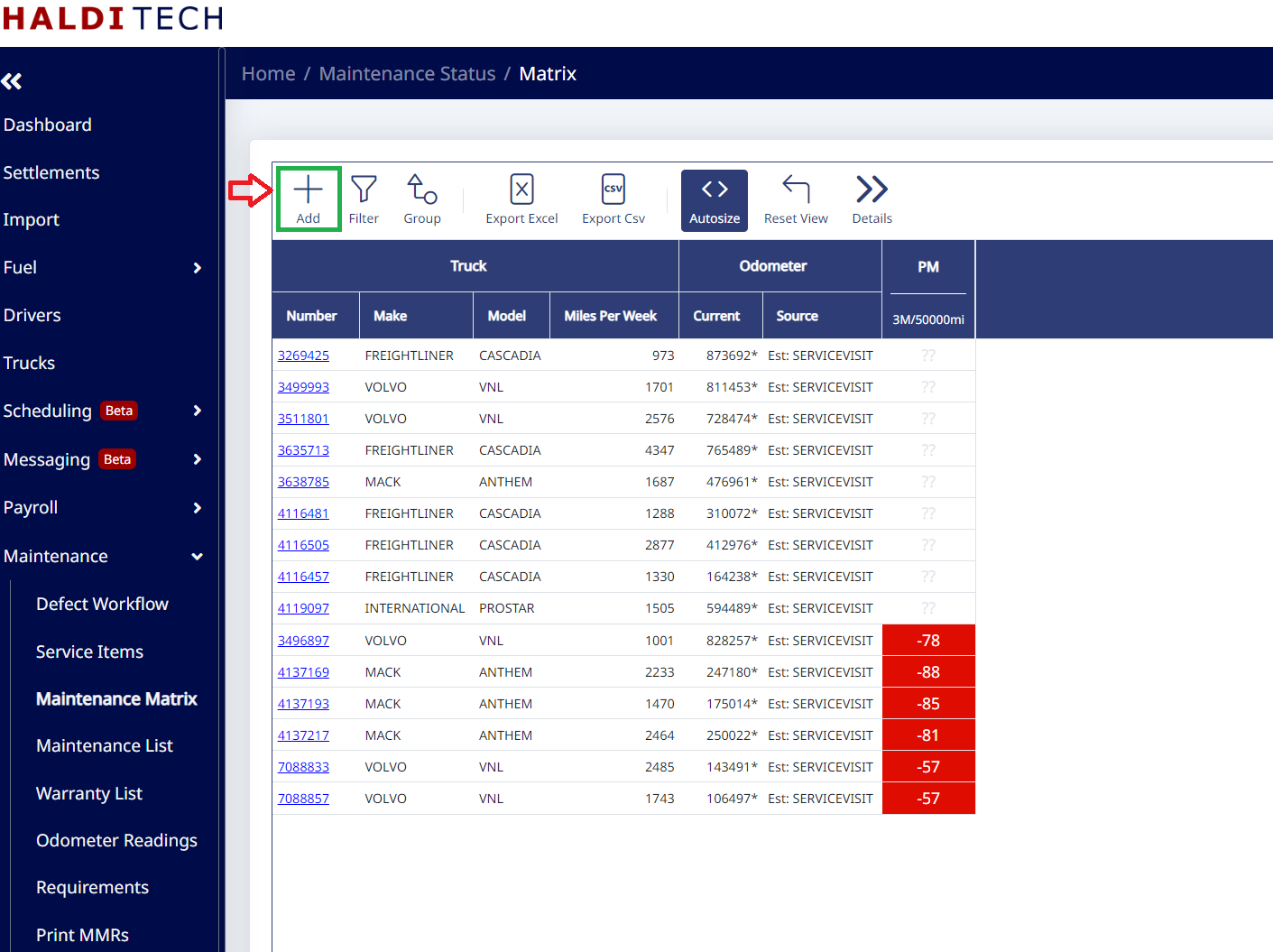
How the Matrix figures out what's due
The Matrix shows when each truck's next service is due. It's driven by odometer readings pulled from TruckSpy or MileageReports (shown in the Source column). If you don't have either, HaldiTech uses the average miles from your settlements, added to the odometer recorded on the truck's last service visit.
Need help?
Email support@halditech.com or call us at (470) 594-2534.